Using the iAS software help menu
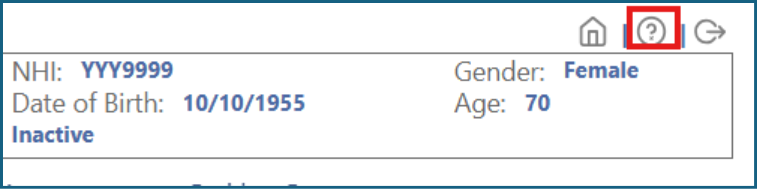
While working in any section of the interRAI Assessment Software (iAS), you can access help using the tool in the top right-hand corner of the screen.
This help tool is available whenever you are working in a client’s or resident’s file.
How to get help
1: Click the '?' icon to get help related to the page you are viewing.
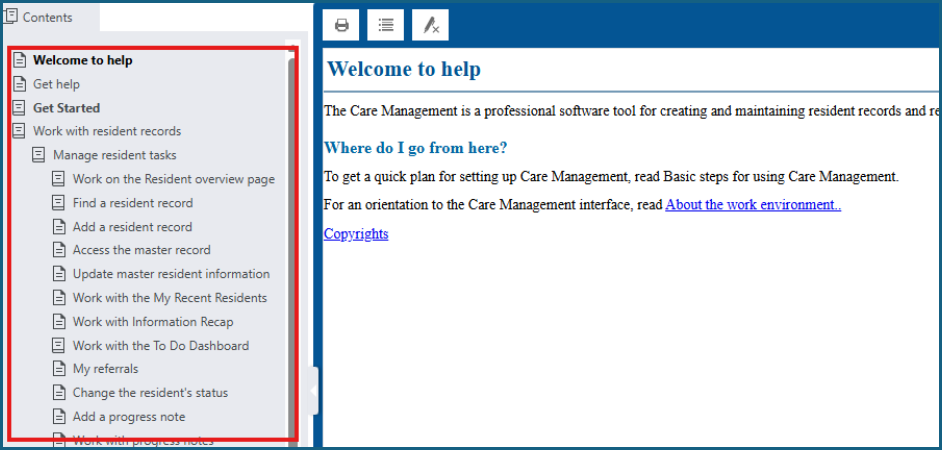
2: When the help screen appears, select the subject you need help with from the list on the left-hand side of the screen.
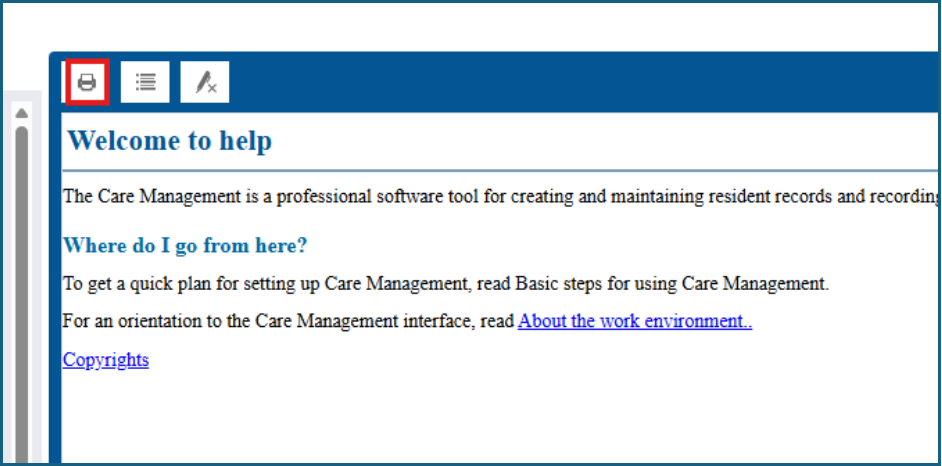
3: If necessary, you can print the results by clicking 'Print'.
Other ways to get help
If you need further support, you can contact interRAI:
- Email: interRAI@tas.health.nz
- Phone: 0800 10 80 44
Phone options
- Software issues — option 1
- Methodology questions — ask an Educator on option 4
- General enquiries — option 3
Was this article helpful?
That’s Great!
Thank you for your feedback
Sorry! We couldn't be helpful
Thank you for your feedback
Feedback sent
We appreciate your effort and will try to fix the article