TABLE OF CONTENTS
Accessing the Knowledge Base
- Go to the interRAI New Zealand website (www.interRAI.co.nz) and click on ‘FAQs’ in the banner along the top.

- Click on the link to the interRAI Knowledge Base
- Follow this link to https://interraiservices.freshdesk.com/support/home
- The support home page will be displayed
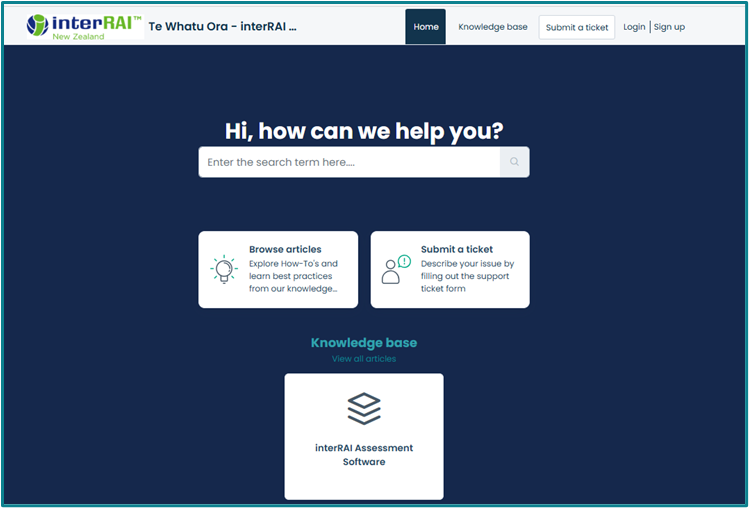
Note: There is no need to sign up or log in, all the information is available without being signed in.Finding help
- On the home page you can search for information here

- You can use sentences or key words in the search
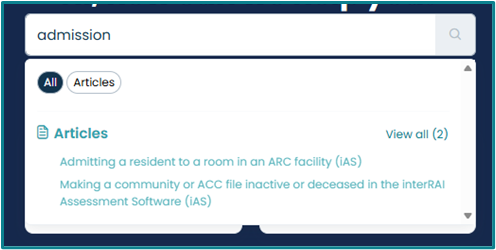
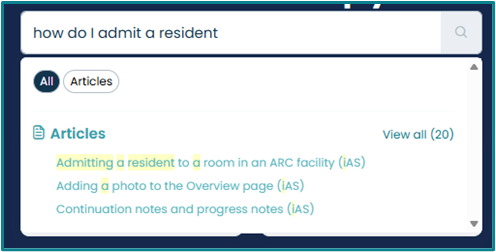
- You can use sentences or key words in the search
- You can also look at the articles by way of three links from the home page
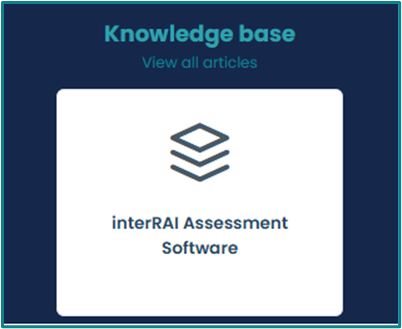
- The Knowledge base tile ‘interRAI Assessment Software’
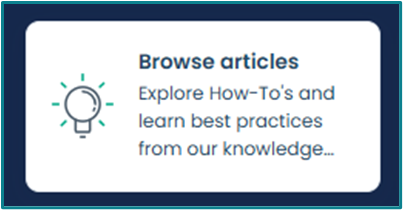
- The ‘Browse Articles’ tile
- Or the Knowledge Base link in the top banner

- The Knowledge base tile ‘interRAI Assessment Software’
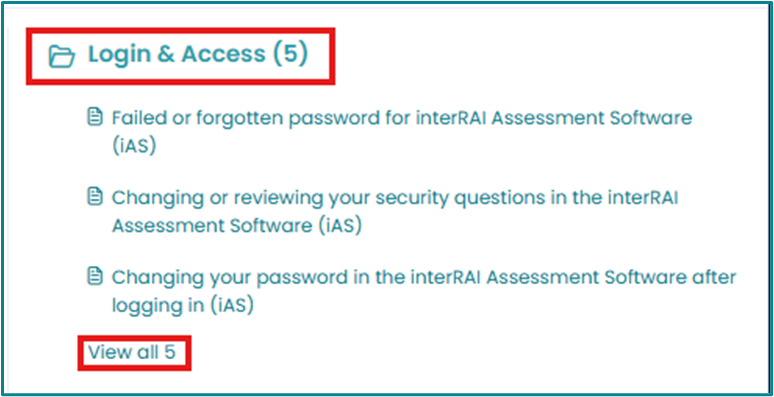
- The Knowledge Base is organised into 9 sections, with relevant articles underneath
- Getting Started
- Login and Access
- Client or Resident Management
- Client or Resident Overview
- MDS/Assessment
- Referrals
- History and Physical
- Risk Management and Safety
- Reports
- Each section has the three most popular articles displayed, to access the other articles click on the section title or ‘View all …’
Submitting a Ticket
Can’t find what you are looking for? You can ask us for help directly from the portal.
- To ask us a question or get help, you can submit a ticket, which comes directly to the interRAI team.
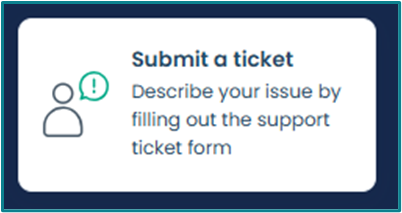
- Click on the ‘Submit a Ticket’ tile
- Click on ‘Submit a Ticket’ in the banner menu at the top of the page

- Click on the ‘Submit a Ticket’ tile
- Choose ‘Ask a Question’ or ‘Report an Issue’ from the drop-down menu
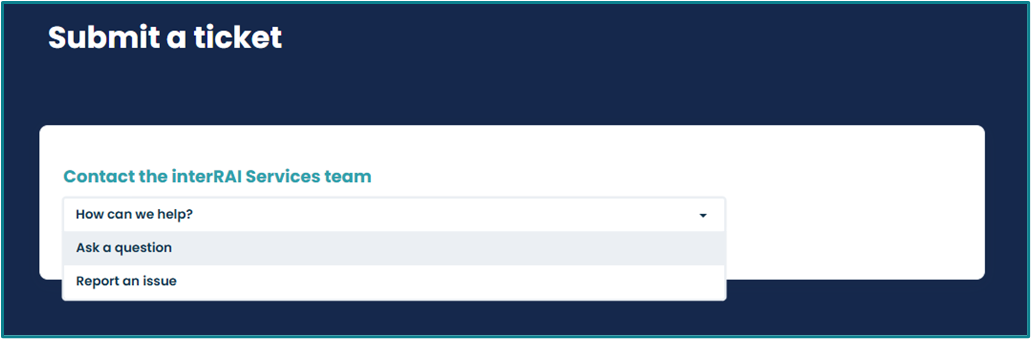
- Complete the form using as much detail as possible.
- It is helpful to attach screenshots if you can using the ‘Attachment’ link
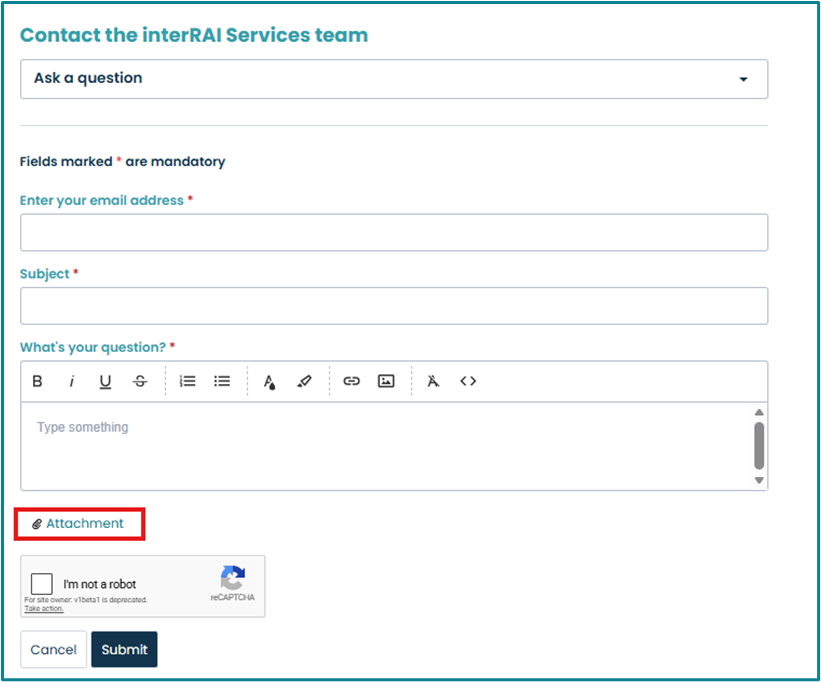
- It is helpful to attach screenshots if you can using the ‘Attachment’ link
Was this article helpful?
That’s Great!
Thank you for your feedback
Sorry! We couldn't be helpful
Thank you for your feedback
Feedback sent
We appreciate your effort and will try to fix the article