A person can have up to six ethnicities recorded in iAS, and these can be changed if the person’s self-identified ethnicity changes. When admitting a resident or client, ask:
- “Which ethnic group do you belong to?”
Updating ethnicity details
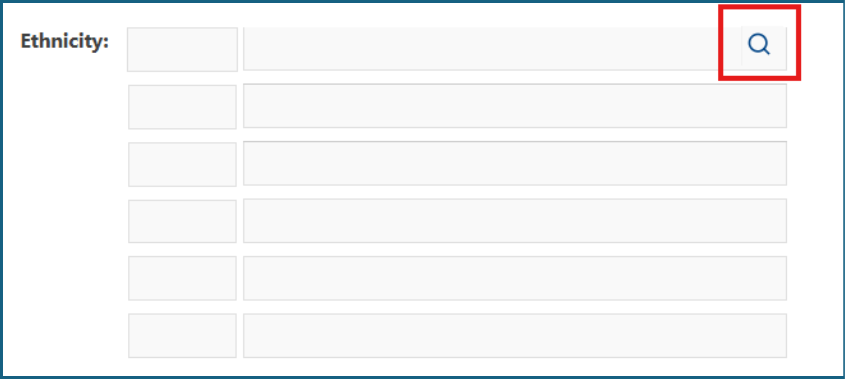
1: Click the magnifying glass next to the 'Ethnicity' field.
2: In the 'Name' field, type the first three letters of the ethnicity, then click 'Search'.

3: When the ethnicity options appear, tick the box next to the correct ethnicity, then click 'Select'.

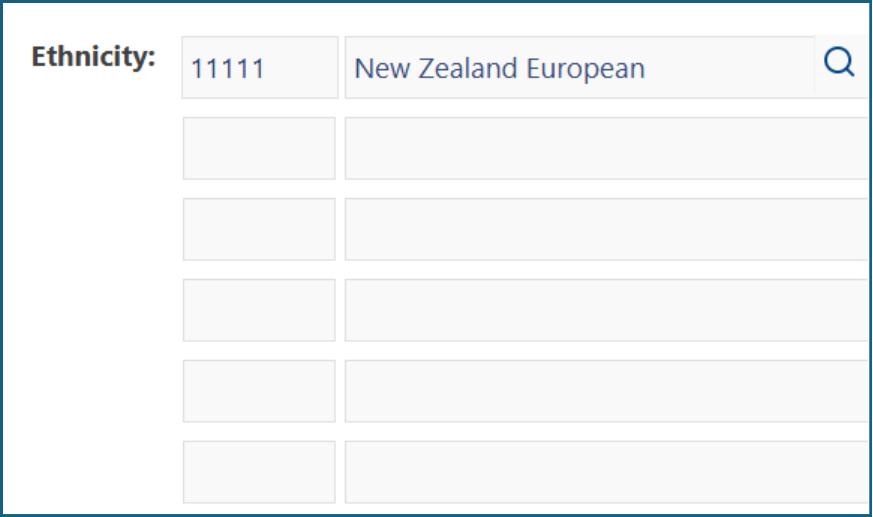
4: The selected ethnicity will display in the 'Ethnicity' field. Click 'Save & Return' to save the change and return to the 'Overview' page.
Important note:
A client’s or resident’s 'Ethnicity' must be entered on the 'Overview' page to pre-populate the 'MDS' assessment. The 'Overview' page is the only place where this information can be changed or updated.
Was this article helpful?
That’s Great!
Thank you for your feedback
Sorry! We couldn't be helpful
Thank you for your feedback
Feedback sent
We appreciate your effort and will try to fix the article