Once you have started an assessment, you must complete it within three (3) working days. If you are being trained, you may take longer to complete an assessment, as your educator will need to review your assessment before you can mark it complete.
Before you mark an assessment as complete, make sure you have completed all the sections.
How to mark an assessment complete
1: On the 'Overview' page, click 'MDS/Assessment' and open the assessment you want to mark complete.
2: Click 'Check Errors'.
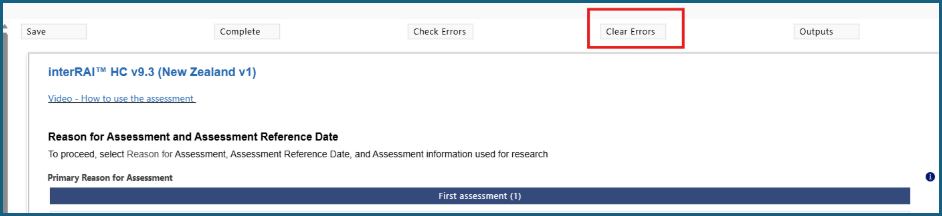
3: The errors will appear and allow you to go to each section that needs to be corrected.
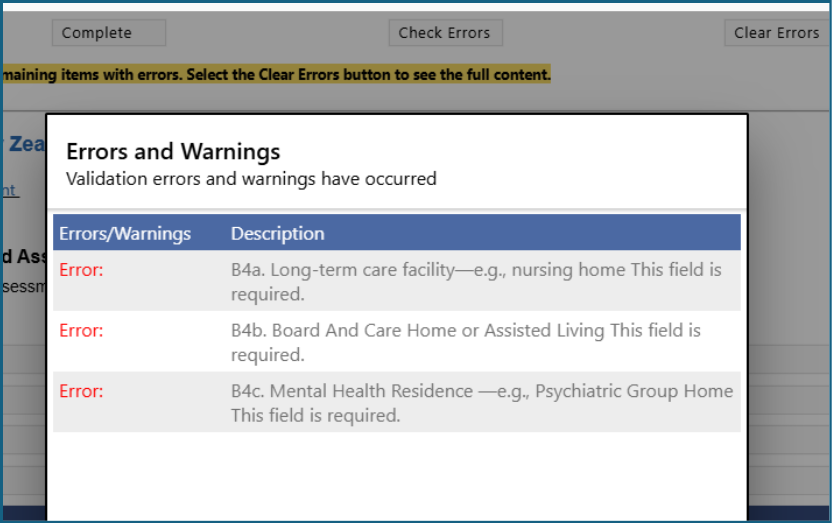
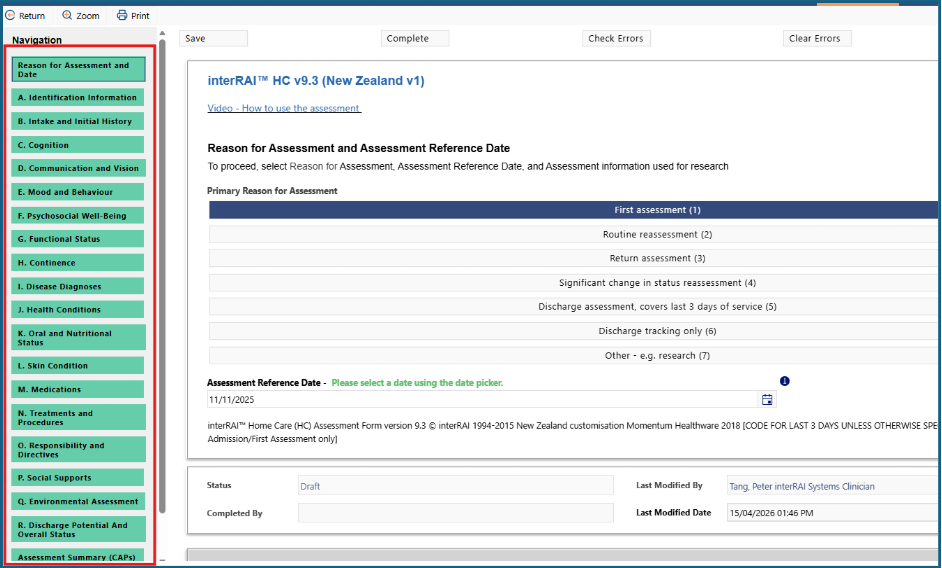
4: As you go through each error shown, make the required changes and 'Mark Complete' for the relevant section.
5: Ensure all sections are marked Complete by changing from orange to green.
6: When you are satisfied that everything has been completed, click 'Complete'. This will lock the assessment and it cannot be altered.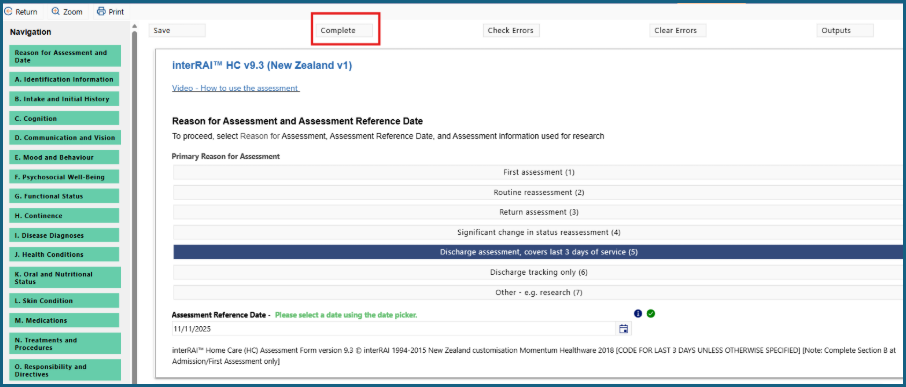
Was this article helpful?
That’s Great!
Thank you for your feedback
Sorry! We couldn't be helpful
Thank you for your feedback
Feedback sent
We appreciate your effort and will try to fix the article