Information on how to code your assessment is available in the interRAI Learning and Development site (iL&D).
To access coding help
1: Go to the interRAI New Zealand website (www.interRAI.co.nz) and click on ‘iL&D’ at the top of the page.

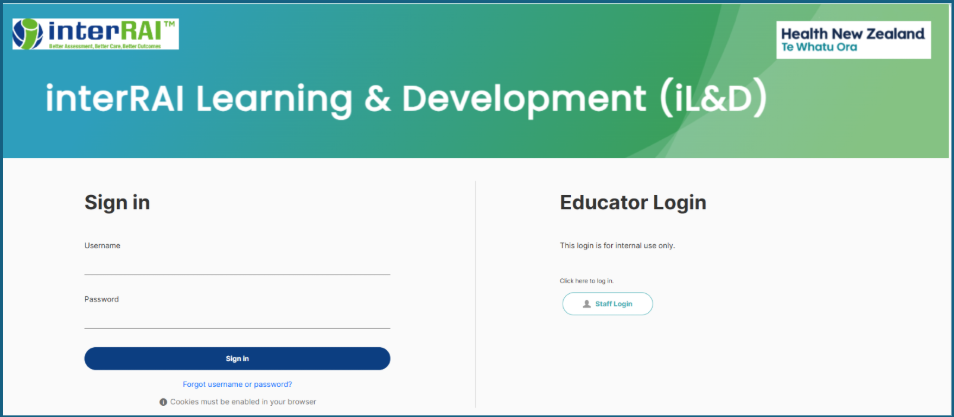
3: Once logged in, click on the interRAI workbook picture on the right side of the screen.
4: Choose the unit for the assessment type you are completing.
Was this article helpful?
That’s Great!
Thank you for your feedback
Sorry! We couldn't be helpful
Thank you for your feedback
Feedback sent
We appreciate your effort and will try to fix the article